Orpheic Remote: your home collection on your phone and your TV
The music on your computer at home, on your Android phone: on the sofa, in your car, in another city, in another country. Your computer is the server. Leave it on with Orpheic open, and your phone plays straight from it. No cloud, and nothing uploaded anywhere.
Two ways to use it
- As a remote. Browse your library on the phone, choose a record, and it plays on the computer, through its DAC.
- As a player. The music plays on the phone itself, at home over Wi-Fi or away over mobile data.
Away from home
When you are out, the phone connects directly to your computer, and the music travels encrypted end to end between the two. Our meeting point only introduces the phone and the computer to each other. It never carries your music, and you can run your own. Run your own meeting point
For this, Orpheic asks your router to forward one port to your computer. Turn off Reach me from the internet in Settings, and it stops asking and removes the forwarding.
Pairing
In Orpheic on the computer, open Settings, then Phone and TV, and turn on Let my devices control Orpheic. Then choose Pair a device. On a phone, point the camera at the code on the screen. On a Google TV, type the six-digit code with the TV's remote control.
Bit-perfect on the go
Plug a USB DAC or headphone amplifier into your Android phone, and your music reaches it exactly as it is in the file. What bit-perfect means
Your television, as a remote and a screen
On Google TV, browse your library from the sofa, see the cover large on the wall, and watch the music on analogue meters and other visualizations.
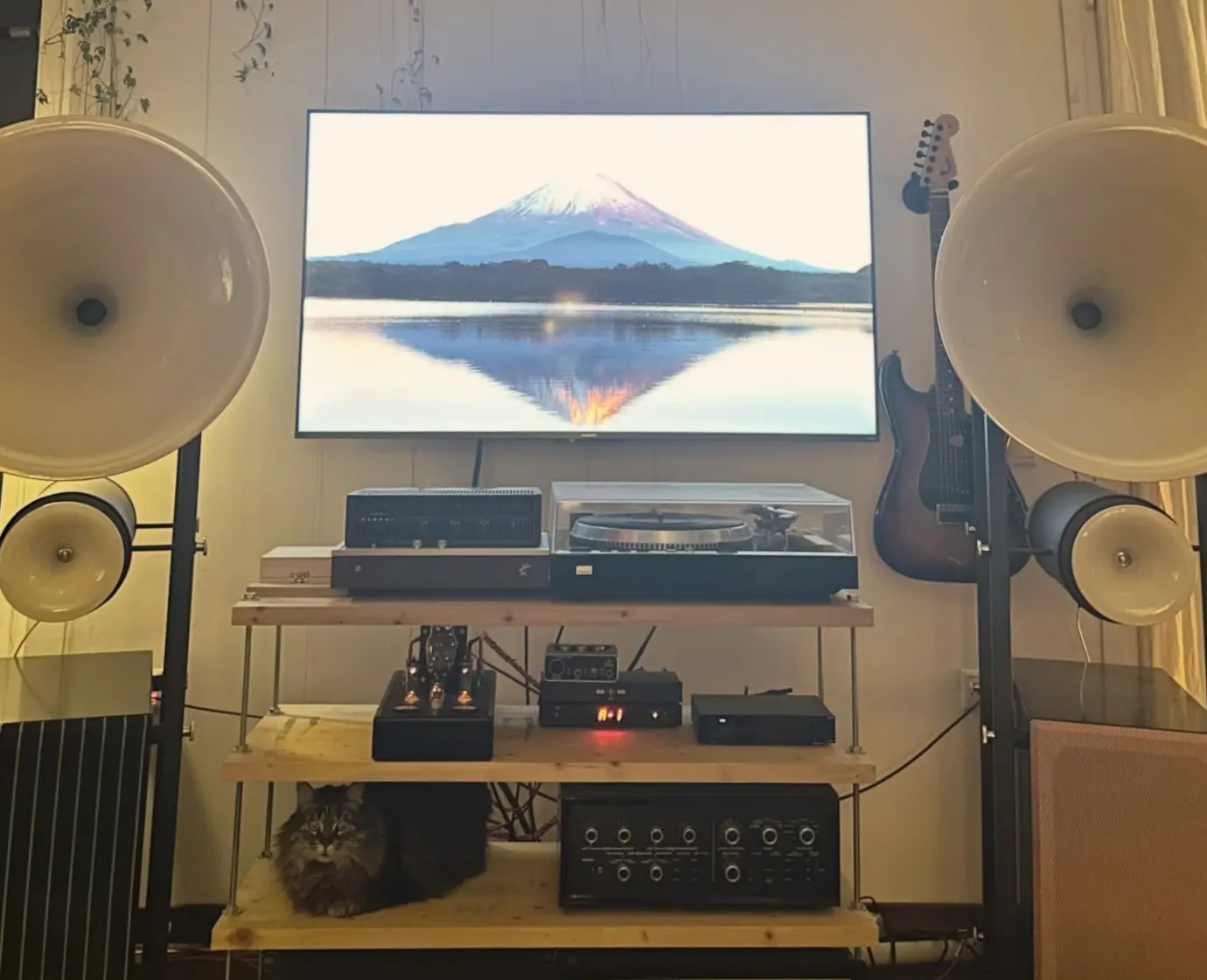
Compare masterings from the sofa
Start a comparison of two versions of an album, and answer the blind test, from the phone or the TV. The sound stays on the computer. How comparing works
What it does not do yet
- No iPhone app yet. It comes later.
- Not in the Play Store yet. You download the app from this site. Android Auto shows only apps that come from the Play Store, so the Remote will appear in the car with its Play Store version, which is on its way.
- It does not update itself yet. For a new version, download it again and install it over the old one. Your pairing stays.
- It needs your computer. The Remote plays the library on your computer, which has to be on with Orpheic open. It is not a player for music files stored on the phone.
Get Orpheic Remote
Orpheic must already be running on your computer. Orpheic and the Remote are free.